Bright Alliance Tech Limited · Shenzhen factory liaison, direct prince@brightalliance.net WhatsApp +86 158 8972 3515
Retail & Chain Stores — application environment
Deployment

Retail & Chain Stores

Store systems that expect a scanner, running on hardware the store manager cannot break.

A chain does not buy a rugged tablet. It buys a device that its POS or inventory app already supports, in a quantity it can pilot in five stores before committing to fifty. The decision usually sits with the software vendor, not the retailer — because the retailer asks the vendor what to buy.

Who actually makes the purchase

Retail software vendors, POS integrators and in-house IT at chains of 10–500 stores.

Where these projects stall

Typical software in this stack
Shopify POSLightspeedSAP Business OneMicrosoft Dynamics 365 BCOdooCustom Android apps
Devices quoted here: 5
Send this requirement
01

The app was written for a specific Android API level

GMS availability, Android version and camera-based scanning behaviour all decide whether a rollout works or becomes a support queue.

02

Pilots die on accessory availability

A five-store pilot needs five charging cradles, five grip straps and five spare batteries — not a pallet of them.

03

Price per store, not price per unit

Chains compare total cost across 200 stores. Device price is only one line; cradle, battery, replacement rate and support are the others.

Usage scenario

How the work actually runs

A store is a small warehouse with customers in it. Stock has to be counted between opening hours, prices have to match the shelf, and the device is carried by staff who did not ask for a computer.

Retail & Chain Stores — on site
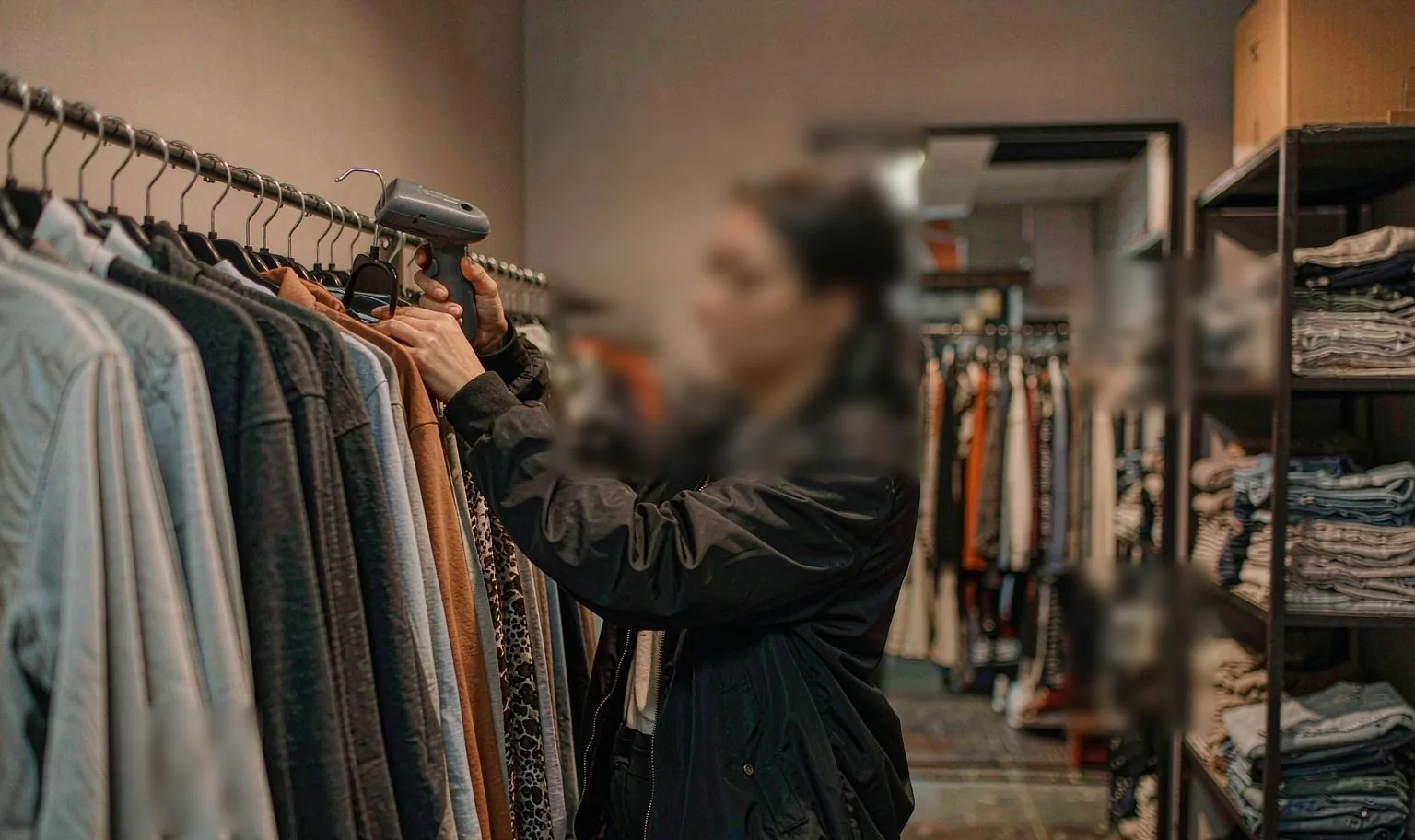
ON SITEShelf count in a fashion store

01Where devices sit in a store

Workflow
  • Shelf replenishment — scan the label, confirm the pick, flag the gap.
  • Price and promotion checks — the shelf price against the POS record.
  • Stock count and cycle count — by zone, without closing the store.
  • Click-and-collect — locate the item, confirm the handover.
  • Loss prevention — markdowns, damages, returns and write-offs.

02Handheld or tablet at the counter

Selection
  • Rugged handheld — the default for shelf and back-room work.
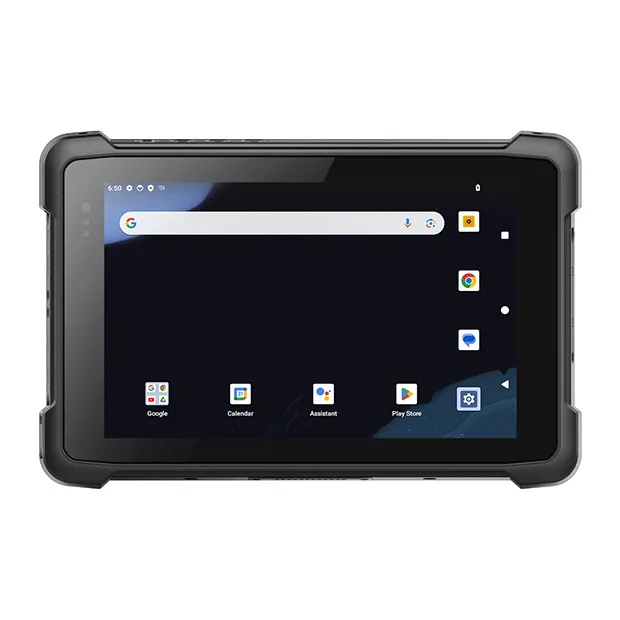
  • Rugged tablet — store manager dashboards, planogram reviews, training.
  • Built-in scanner — fewer loose accessories to lose per store.
  • Pistol grip — worth it only when the count runs for hours.

03What a chain actually specifies

Spec
  • One SKU across the estate, so spares and cradles are interchangeable.
  • Android with GMS, because the retail app assumes Play Services.
  • Cradle per store plus a spare battery pool at regional level.
  • MDM staging so a replacement device is live in ten minutes.
  • A housing that survives a 1.2 m drop onto tile, repeatedly.

04What the five-store pilot has to prove

Pilot
  • The app runs on this Android version without a support queue.
  • A count finishes inside the window between shifts.
  • Battery lasts a full trading day with the screen on.
  • Accessories arrive with the units, not six weeks later.
  • Total cost per store, not price per unit.
Data flow

How the information actually moves

This is the part that decides the device. Each step below has a different requirement for screen size, scan engine and connectivity.

01Shelf / stock countHandheld or 8-inch tablet scans shelf labels and SKU barcodes.
02Local app validatesStore app checks price, promotions and planogram compliance offline-first.
03Sync to head officeBatch or live sync over store Wi-Fi; queue survives connectivity gaps.
04Replenishment orderHead office ERP raises a transfer or purchase order automatically.
05Receiving & reconciliationGoods-in scanned against the ASN; variance flagged at the door.
Questions we get

Before you ask

The questions that come up on almost every project in this sector, answered before the first call.

All questions
01Can you supply five units for a pilot?
Yes. Pilots are the normal entry point. We ship single units at sample pricing and support the pilot with spares on the same order.
02Do the devices ship with GMS?
Most Android models ship with GMS. For builds that must avoid Google services, we supply non-GMS firmware on the same hardware.
03What about kiosk mode and MDM?
The devices support standard Android Enterprise enrolment. We can also pre-configure kiosk lockdown before dispatch so the pilot units arrive ready.
04Can you supply five units for a pilot?
Yes. A pilot is the normal entry point. We quote single units at sample pricing and support the pilot with spare parts on the same order — a spare battery and a cradle, not a pallet.
05Do the Android units ship with GMS?
Most Android models ship with GMS. For builds where Google services must be absent, we supply a GMS-free firmware on the same hardware — say so at the quotation stage, because it is a firmware decision, not a setting.
06What warranty do you give?
One year as standard, covering the unit and the battery against manufacturing faults. Extended cover and advance-replacement terms are available for fleets — ask for them with the quotation, not after the first failure.

Running a retail chain project?

Send the workflow and the software stack. You will get two models and the caveats, not a catalogue.

Chat with Prince · WhatsApp