Bright Alliance Tech Limited · Shenzhen factory liaison, direct prince@brightalliance.net WhatsApp +86 158 8972 3515
Field Service & Utilities — application environment
Deployment

Field Service & Utilities

Metering, inspection and maintenance where there is no Wi-Fi, no desk and no second chance.

Field work is offline work. The app has to hold a day of readings, photos and signatures with no signal, then sync cleanly when the van returns. Add sunlight, rain and a 1.5 m drop onto concrete, and the device list narrows quickly.

Who actually makes the purchase

Utility contractors, inspection firms, telecom and energy field teams, and the software vendors serving them.

Where these projects stall

Typical software in this stack
Salesforce Field ServiceServiceTitanMaximoCustom offline-first appsGIS collection tools
Devices quoted here: 4
Send this requirement
01

No connectivity for six hours

Apps that assume a live API fail in the field. Devices need reliable offline storage and predictable sync.

02

Sunlight readability

A 400-nit screen is unreadable outdoors. 700 nits is workable; 1000 nits is comfortable.

03

Photo evidence and signatures

Inspection and utility work demands camera quality and a stylus-capable screen, not just a scanner.

Usage scenario

How the work actually runs

Field teams do not just need a device that runs an app. They need predictable field performance: stable connectivity, fast data capture, and an enclosure that survives being carried up a ladder.

Field Service & Utilities — on site
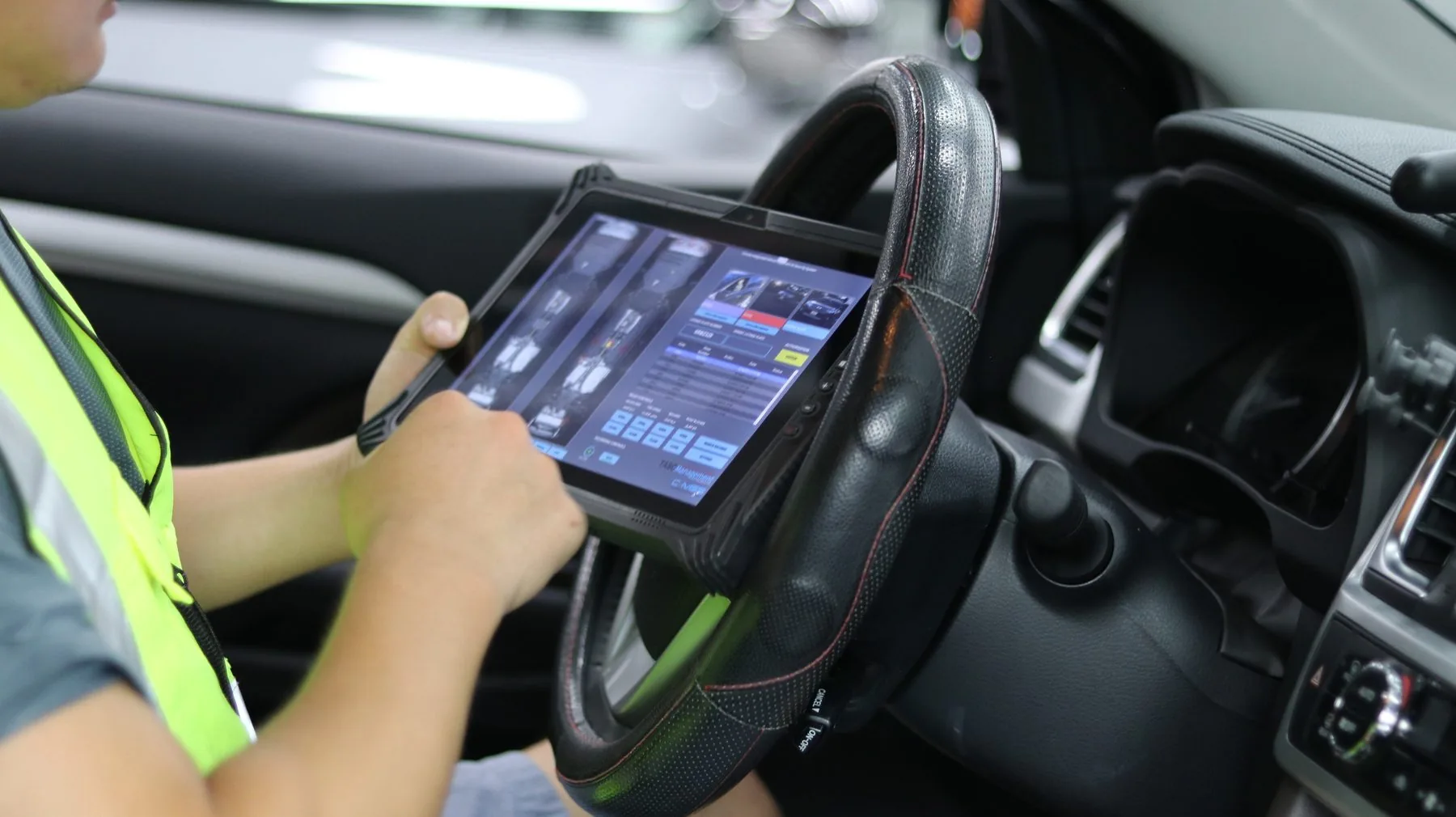
ON SITEIn-cab terminal, docked and charging

01The loop a technician actually runs

Workflow
  • Dispatch and work orders — job, parts list, site notes, route.
  • On-site inspection — checklists, measurements, photos, signatures.
  • Diagnostics — error codes, test tools, manuals and schematics.
  • Proof of work — before/after photos, timestamps, location, sign-off.
  • Reporting and sync back to FSM or ERP, including from remote sites.
02Rules that prevent expensive misfits

Selection
  • Rugged handheld — barcode scans, asset ID, meter reading, quick forms.
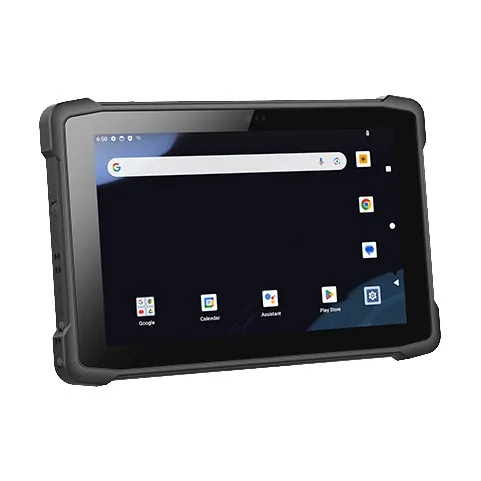
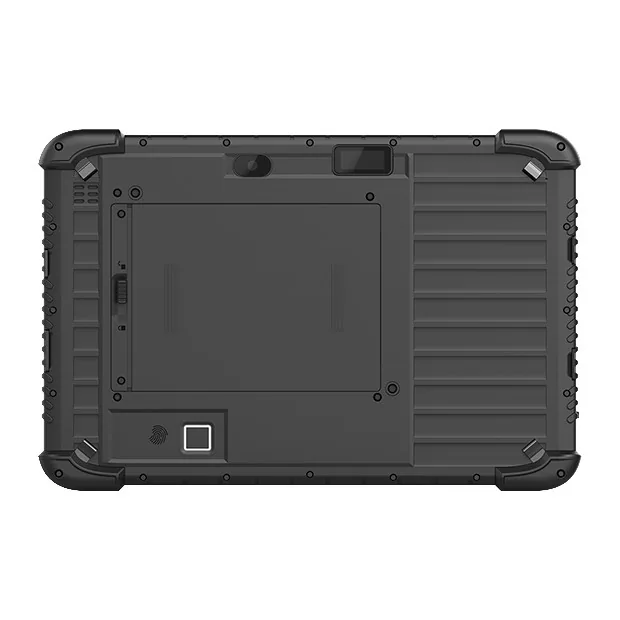
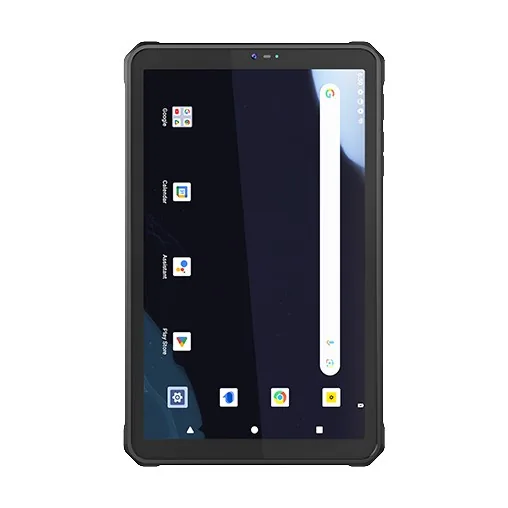
  • Rugged tablet — inspection reports, photo evidence, manuals, checklists.
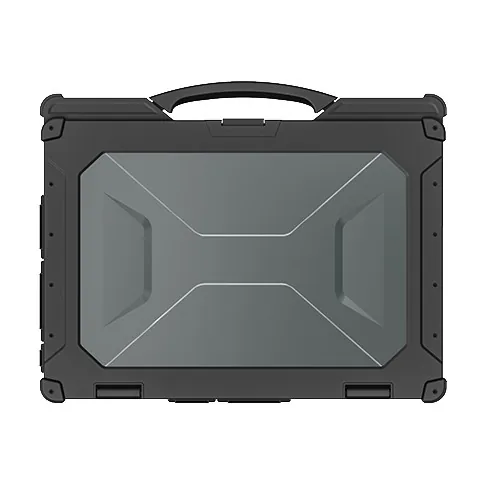
  • Rugged 2-in-1 on Windows — equipment diagnostics and desktop tools.
  • Vehicle dock — the device lives in the van, charge it there.

03Modules field teams keep asking for

Spec
  • Barcode scanner for asset tags and parts tracking.
  • UHF RFID where tagged assets make bulk reads worthwhile.
  • GNSS for location tagging and route confirmation.
  • NFC or fingerprint for shared-device authentication.
  • High-brightness display that survives direct sun.

04What the pilot has to prove

Pilot
  • LTE/5G on the route, Wi-Fi at the depot, offline-first in dead zones.
  • Photo quality and metadata consistency for evidence capture.
  • Time-to-complete a work order and the rework rate.
  • MDM policies, kiosk mode, remote lock, user attribution.
  • RMA turnaround and the spare ratio that protects uptime.
Data flow

How the information actually moves

This is the part that decides the device. Each step below has a different requirement for screen size, scan engine and connectivity.

01DispatchWork order pushed to the device before the technician leaves the depot.
02On-site identificationAsset tag or meter barcode scanned; history pulled from local cache.
03CaptureReadings, photos, notes and customer signature stored locally.
04Offline validationApp enforces ranges and required fields without a server round-trip.
05Sync & reportTwo-way sync on reconnect; report issued to the customer the same day.
Questions we get

Before you ask

The questions that come up on almost every project in this sector, answered before the first call.

All questions
01How much storage do we need for photo evidence?
Budget roughly 1 GB per technician per week for moderate photo capture. Specify 128 GB minimum and add a microSD or periodic sync.
02Can the device be locked to one app?
Yes — kiosk or single-app mode can be configured before dispatch on Android and restricted on Windows.
03Do you support 5G models?
M105Q and M805Q carry 5G modules. For most field teams 4G is sufficient and cheaper; we will say so rather than upsell.
04Can you supply five units for a pilot?
Yes. A pilot is the normal entry point. We quote single units at sample pricing and support the pilot with spare parts on the same order — a spare battery and a cradle, not a pallet.
05Do the Android units ship with GMS?
Most Android models ship with GMS. For builds where Google services must be absent, we supply a GMS-free firmware on the same hardware — say so at the quotation stage, because it is a firmware decision, not a setting.
06What warranty do you give?
One year as standard, covering the unit and the battery against manufacturing faults. Extended cover and advance-replacement terms are available for fleets — ask for them with the quotation, not after the first failure.

Running a field service project?

Send the workflow and the software stack. You will get two models and the caveats, not a catalogue.

Chat with Prince · WhatsApp