Bright Alliance Tech Limited · Shenzhen factory liaison, direct prince@brightalliance.net WhatsApp +86 158 8972 3515
Power, Solar & Utilities — application environment
Deployment

Power, Solar & Utilities

Kilometres of assets, sun over the panel, and a form that must be filled on site.

Utility inspection is asset-tag scanning plus a form, repeated across kilometres of sites, often with weak connectivity and hard sunlight. The tablet must be readable at noon, hold the inspection form offline, and survive the truck bed. Photos, meter readings and asset history must flow back to the maintenance system the same day.

Who actually makes the purchase

Solar O&M contractors, distribution utilities and infrastructure maintenance teams inspecting dispersed assets with small field crews.

Where these projects stall

Typical software in this stack
CMMS / EAMInspection form appsGIS platforms
Devices quoted here: 3
Send this requirement
01

Screen wash-out at noon

Consumer tablets become mirrors under tropical sun. High-brightness, anti-glare displays are the difference between a form filled on site and one faked from the truck.

02

Remote sites with no signal

Inspection apps must work offline-first; where cellular ends, satellite messaging can close the gap for exceptions and lone-worker check-ins.

03

Asset registers out of date

Scan-verified asset tags at every inspection keep the register honest — wrong-asset errors surface immediately, not at audit.

Usage scenario

How the work actually runs

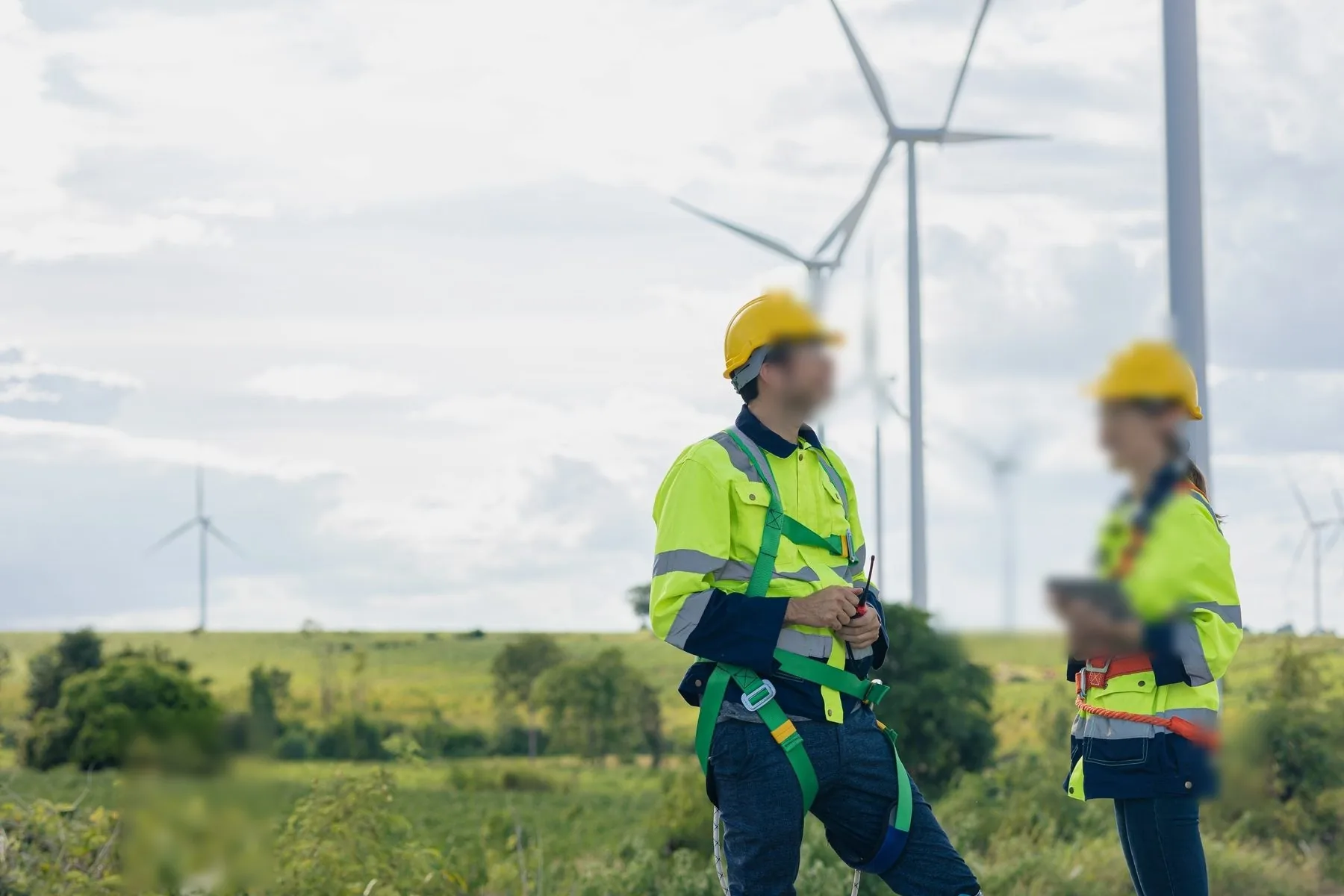
Solar fields, substations and wind farms are outdoor sites with no desk, no shelter and a work order that has to be closed before the crew drives to the next one.

Power, Solar & Utilities — on site
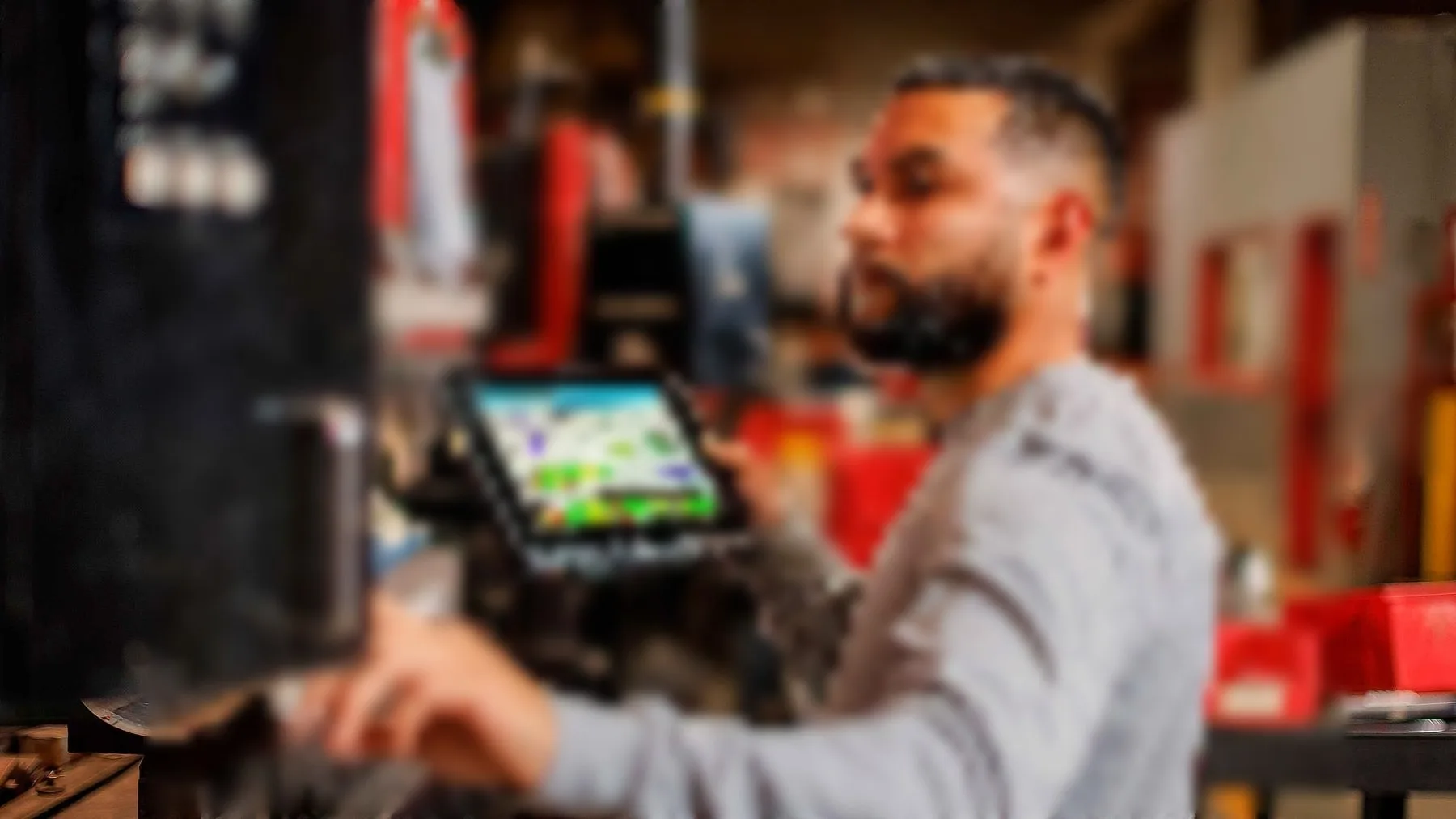
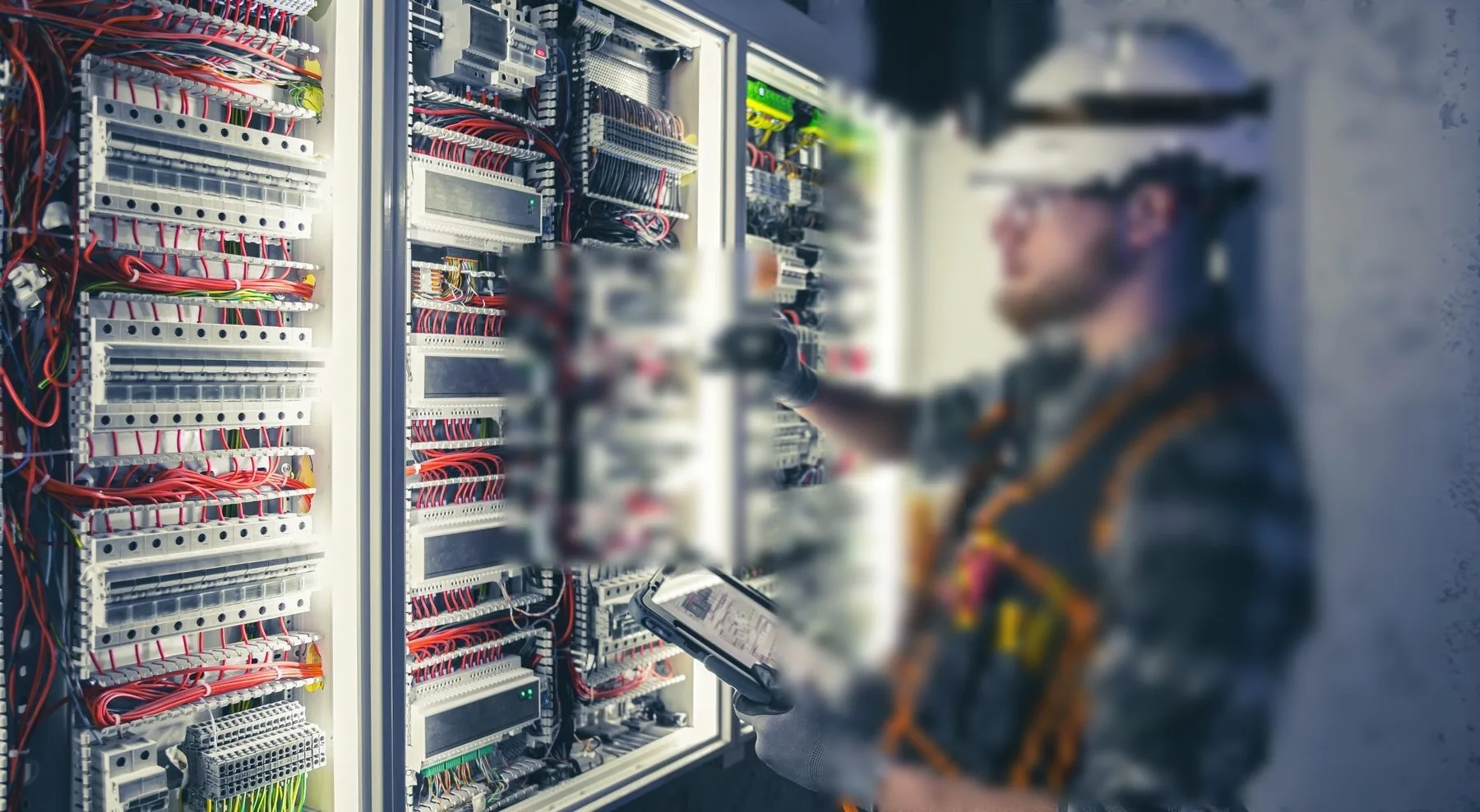
ON SITEControl cabinet, diagnostics running on site

01Where the device sits on site

Workflow
  • Asset inspection — string, inverter, turbine or meter, with photo evidence.
  • Work order execution — checklist, parts used, sign-off on site.
  • Meter and reading capture — serial, value, timestamp, location.
  • Fault reporting — code, symptom, photo, escalation.
  • Handover to the control room once back in coverage.

02Choosing by site, not by spec

Selection
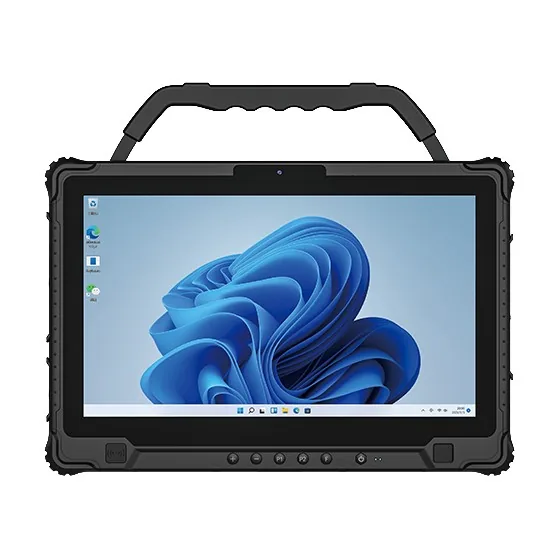
  • Rugged tablet — schematics, inspection forms, drawings in sun.
  • Rugged handheld — asset tags, meter reads, one-handed rounds.
  • Vehicle-mounted unit — the truck is the office.
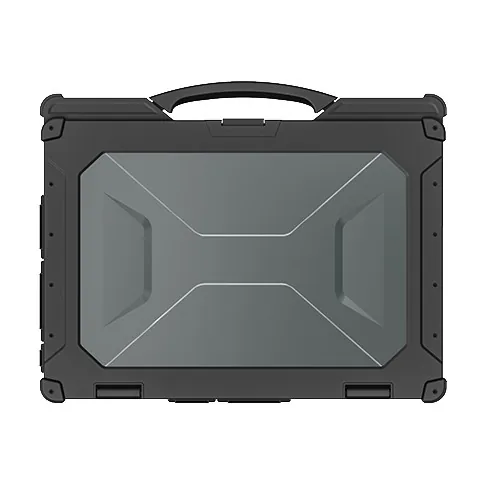
  • Rugged laptop on Windows — configuration tools and vendor software.

03What the spec has to say

Spec
  • Sunlight-readable display, 800 nits or better, with anti-glare.
  • Operating range that covers a winter substation, not an office.
  • Hot-swap battery so a shift is not cut short.
  • GNSS and offline capture for sites with no signal.
  • Dock rated for vibration on unsealed service roads.

04What the pilot has to prove

Pilot
  • Screen legible at noon, at −5 °C, with gloves.
  • Photos good enough for an asset report, not just for a chat.
  • Battery through a 12-hour site day.
  • Offline capture that re-syncs cleanly at the depot.
  • Survival of dust, rain and a drop from a ladder.
Data flow

How the information actually moves

This is the part that decides the device. Each step below has a different requirement for screen size, scan engine and connectivity.

01Work order dispatchDay's inspection routes loaded to the tablet at base.
02Asset tag scanEach asset confirmed by barcode or RFID tag before the form opens.
03Inspection form + photosReadings, defects and photos captured against the asset, offline-safe.
04Meter readingMeter serial and reading captured by scan and entry.
05Same-day syncForms upload when signal returns; exceptions pushed to the planner.
Questions we get

Before you ask

The questions that come up on almost every project in this sector, answered before the first call.

All questions
01We inspect solar plants across several provinces. One device or two?
A 14-inch Windows tablet handles forms and drawings well; crews who also need scanning add a compact handheld. Both sync to the same CMMS.
02What about sites with no cellular coverage?
Forms run offline and sync on return. For sites where even that is too slow, our satellite line covers messaging and check-in — ask for the satellite briefing.
03Can the tablet survive the truck and the ladder?
MIL-STD drop testing and sealed ports are standard across the range; hand straps and vehicle docks are quoted with the fleet.
04Can you supply five units for a pilot?
Yes. A pilot is the normal entry point. We quote single units at sample pricing and support the pilot with spare parts on the same order — a spare battery and a cradle, not a pallet.
05Do the Android units ship with GMS?
Most Android models ship with GMS. For builds where Google services must be absent, we supply a GMS-free firmware on the same hardware — say so at the quotation stage, because it is a firmware decision, not a setting.
06What warranty do you give?
One year as standard, covering the unit and the battery against manufacturing faults. Extended cover and advance-replacement terms are available for fleets — ask for them with the quotation, not after the first failure.

Running a energy & utilities project?

Send the workflow and the software stack. You will get two models and the caveats, not a catalogue.

Chat with Prince · WhatsApp