
Bright Alliance Tech Limited · Shenzhen factory liaison, direct prince@brightalliance.net WhatsApp +86 158 8972 3515
E-commerce Fulfilment & Distribution — application environment
Deployment

E-commerce Fulfilment & Distribution

Pick rates are a hardware problem before they are a software problem.

Fulfilment margins live in picks per hour. The scanner that misreads once per fifty picks costs more in re-picks and mis-ships than the price difference between a consumer phone and a purpose-built terminal. The pool matters too: chargers, spare batteries and a device that a seasonal picker can learn in one shift.

Who actually makes the purchase

3PL fulfilment centres, brand warehouses and marketplace sellers scaling from manual picking to scanned, system-directed work.

Where these projects stall

Typical software in this stack
WMS (Odoo, SAP EWM, custom)Marketplace seller toolsCustom Android apps
Devices quoted here: 4
Send this requirement
01

Misreads are invisible margin loss

A purpose-built scan engine reads damaged or shrink-wrapped labels first time; camera scanning slows the pick and hides errors until the customer complains.

02

Seasonal staff must be productive day one

Peak intake means new pickers weekly. Simple Android terminals with the app in kiosk mode shorten onboarding to minutes.

03

Returns are the second warehouse

Returns triage needs the same scanning discipline as outbound; shared device pools with swap batteries keep both lines moving.

Usage scenario

How the work actually runs

Logistics is not one workflow, it is a chain of micro-tasks that has to stay consistent across shifts and sites. Scan accuracy, cycle time and device uptime decide the throughput.

E-commerce Fulfilment & Distribution — on site
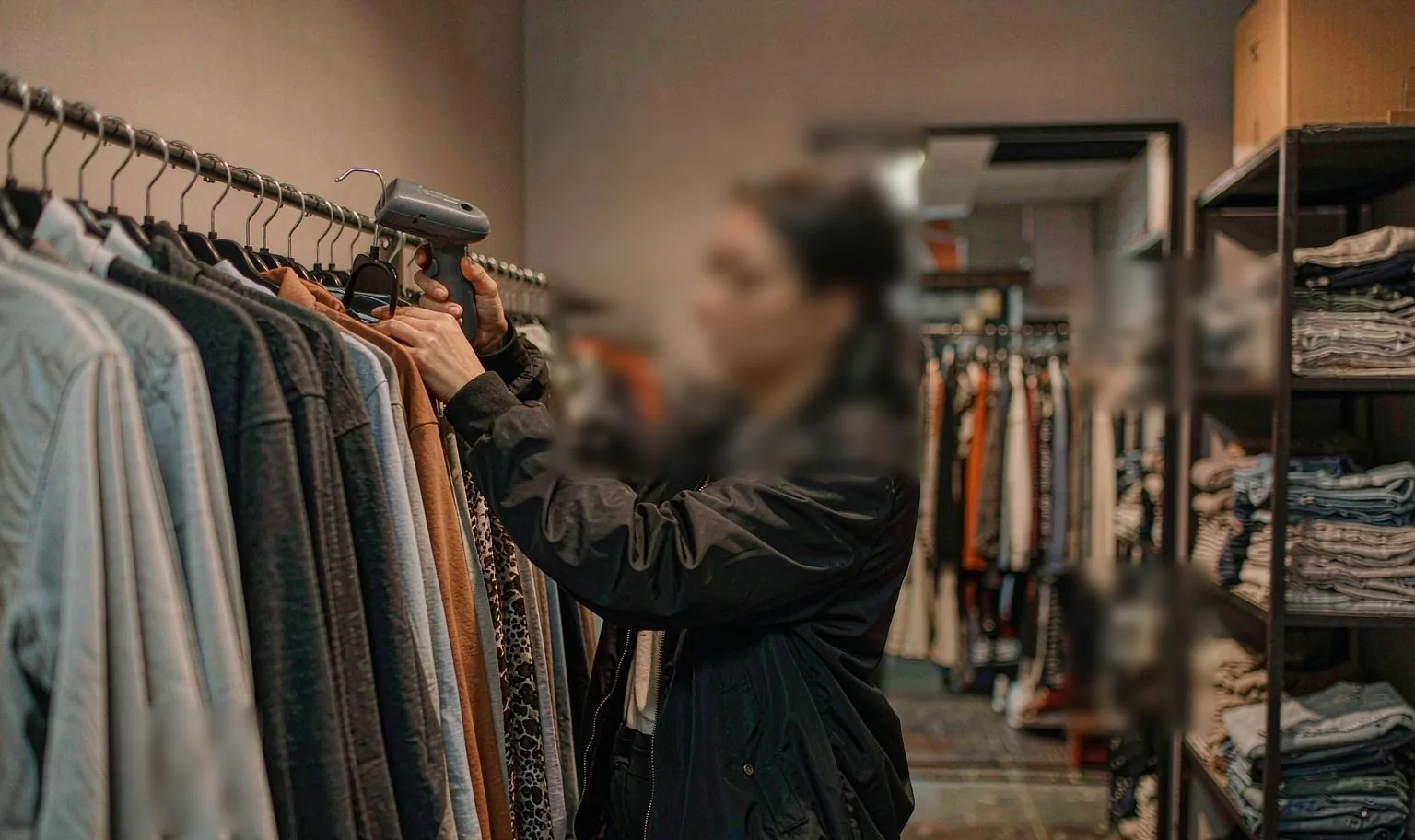
ON SITEMulti-shift picking, racking and dock doors

01Where devices sit in the chain

Workflow
  • Inbound receiving and putaway — scanning, exceptions, live WMS updates.
  • Cross-dock and sorting — high volume, route labelling, error reduction at peak.
  • Linehaul and hub — trailer loading confirmation, yard moves, checkpoint scans.
  • Last-mile coordination — dispatch, navigation, POD, sync in dead zones.
  • Returns and reverse logistics — condition capture, reason codes, reclassification.
02Match the device to the task

Selection
  • Rugged handheld or PDA — picking, sorting, counting, loading, exceptions.
  • Long-range scanner — high racks and wide conveyor gaps.
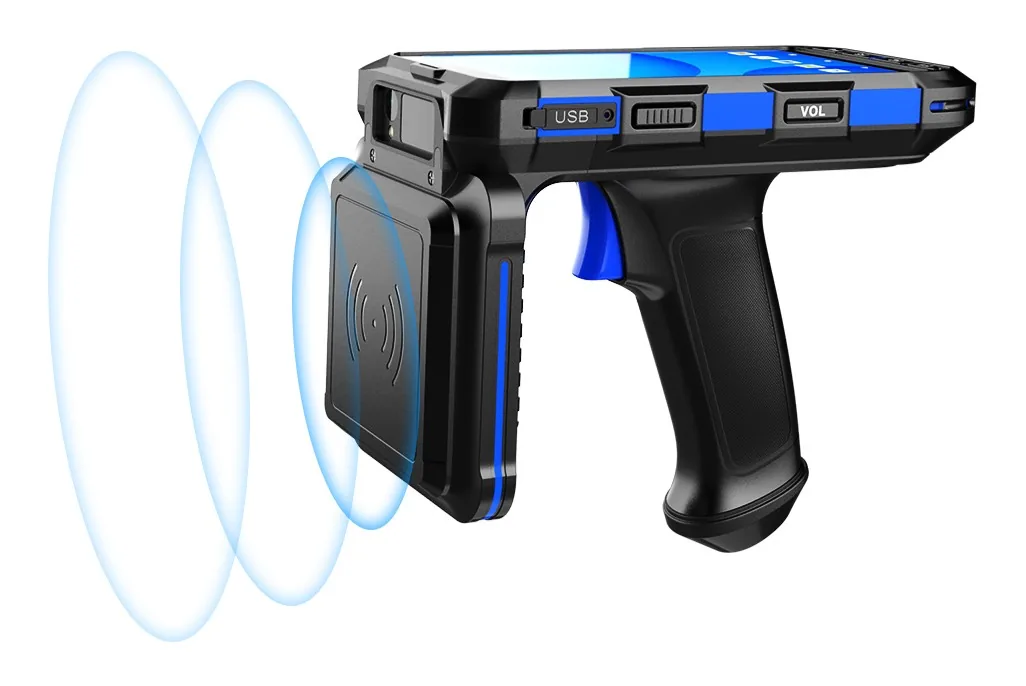
  • UHF RFID handheld — cages, pallets and tagged inventory at scale.
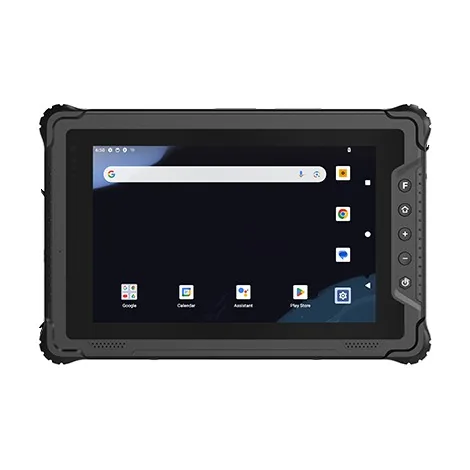
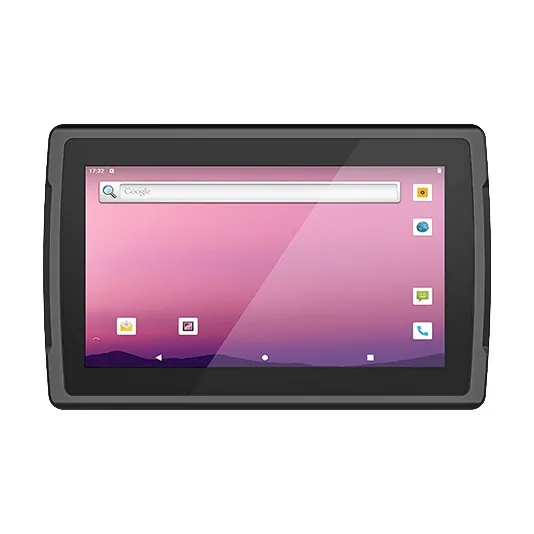
  • Rugged tablet — dock scheduling, driver forms, route visibility, analytics.

03Modules that actually get specified

Spec
  • 2D imager — the baseline for parcel labels and mixed symbologies.
  • Long-range scanning — only where reads happen at distance.
  • UHF RFID — asset tracking and roll cages when tags already exist.
  • NFC for driver or visitor authentication, fingerprint for shared devices.

04What the pilot has to prove

Pilot
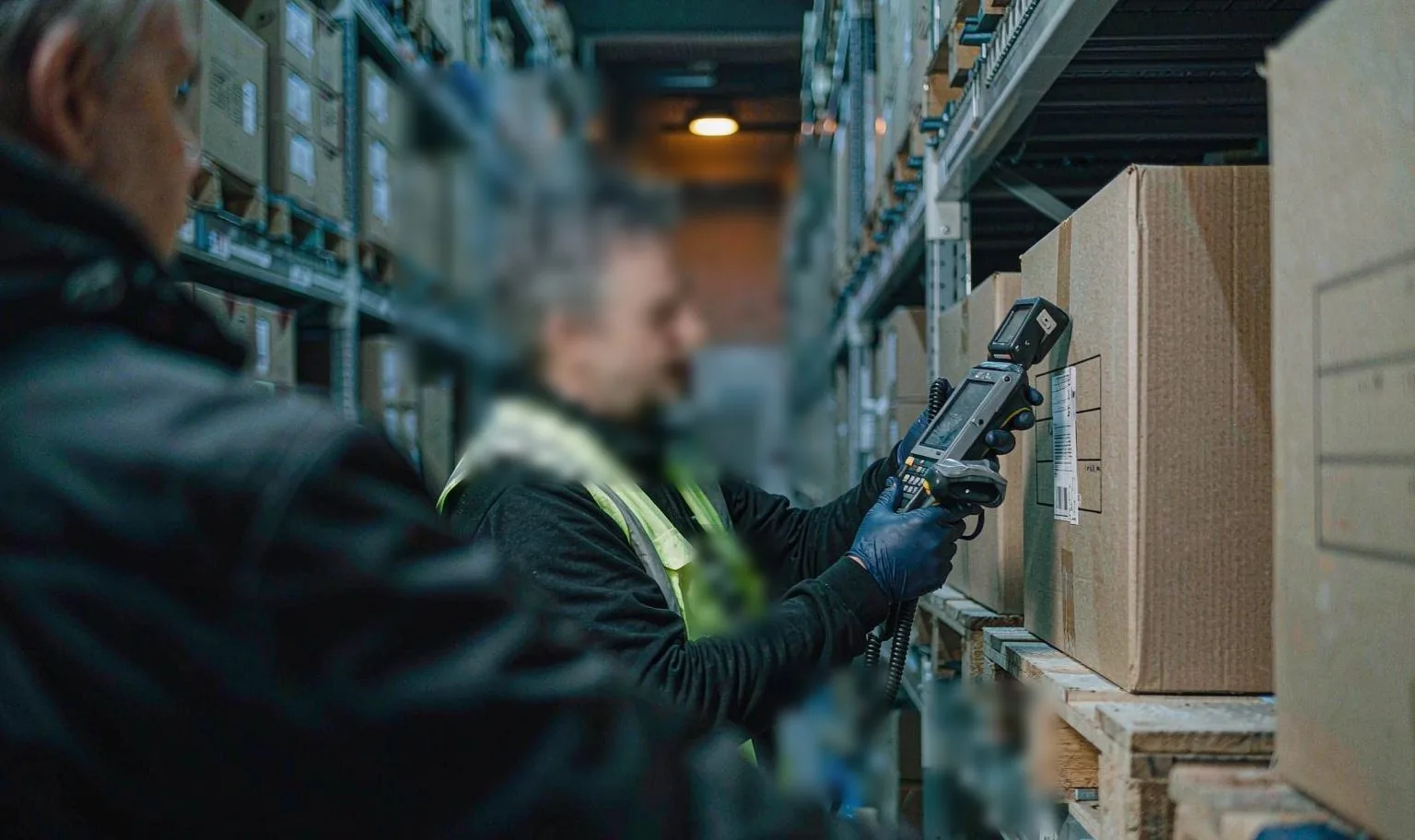
  • Scan speed and accuracy on real, damaged, dirty cartons.
  • Wi-Fi roaming across AP zones with no session drop mid-task.
  • Multi-shift charging: cradles, spares, dock layout by station density.
  • Offline queueing that re-syncs without data conflicts.
  • Label printers, vehicle docks and any Windows-only peripherals.
Data flow

How the information actually moves

This is the part that decides the device. Each step below has a different requirement for screen size, scan engine and connectivity.

01PutawayInbound cartons scanned to bin locations as they arrive.
02System-directed pickPick list on the terminal; each pick confirmed by location and item scan.
03Pack verificationPack station re-scans to catch swaps before the carton closes.
04Returns triageReturned items scanned, graded and routed to restock or quarantine.
05Cycle countRolling counts in quiet hours keep inventory accurate without a full shutdown.
Questions we get

Before you ask

The questions that come up on almost every project in this sector, answered before the first call.

All questions
01Android or Windows for the picking floor?
Android for pickers on standard WMS apps; Windows where the WMS client is a desktop program or legacy terminal emulation is involved.
02How many spares should we hold?
A common rule: 10% spare units plus one battery per shift per picker. We quote the pool with the fleet.
03Can we pilot one aisle?
Yes — a single-aisle pilot with before/after pick-rate data is the cleanest way to justify the fleet.
04Can you supply five units for a pilot?
Yes. A pilot is the normal entry point. We quote single units at sample pricing and support the pilot with spare parts on the same order — a spare battery and a cradle, not a pallet.
05Do the Android units ship with GMS?
Most Android models ship with GMS. For builds where Google services must be absent, we supply a GMS-free firmware on the same hardware — say so at the quotation stage, because it is a firmware decision, not a setting.
06What warranty do you give?
One year as standard, covering the unit and the battery against manufacturing faults. Extended cover and advance-replacement terms are available for fleets — ask for them with the quotation, not after the first failure.

Running a e-com fulfilment project?

Send the workflow and the software stack. You will get two models and the caveats, not a catalogue.

Chat with Prince · WhatsApp