
Bright Alliance Tech Limited · Shenzhen factory liaison, direct prince@brightalliance.net WhatsApp +86 158 8972 3515
Restaurants & Food Service — application environment
Deployment

Restaurants & Food Service

Grease, steam and a 6am stock count — one device family for counter, kitchen and storeroom.

Food-service hardware lives a different life from office IT: it is wiped with degreaser, used with wet hands and dropped behind the pass. The buying decision usually sits with the group's operations manager, who wants one device that runs the inventory app at 6am, survives the kitchen pass at noon and is cheap enough to deploy per outlet.

Who actually makes the purchase

F&B groups, QSR franchise operators, central kitchens and catering companies standardising inventory hardware across outlets.

Where these projects stall

Typical software in this stack
POS systemsKitchen display softwareInventory appsOdoo
Devices quoted here: 3
Send this requirement
01

Consumer tablets die in a kitchen

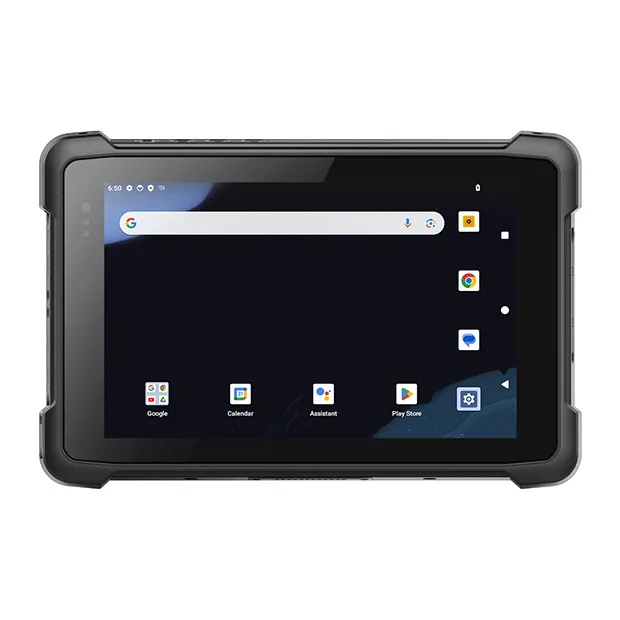
Grease film on the screen, steam in the ports, drops onto tile. A sealed Android tablet with a glove-capable screen lasts the franchise cycle.

02

Stock counts happen before opening

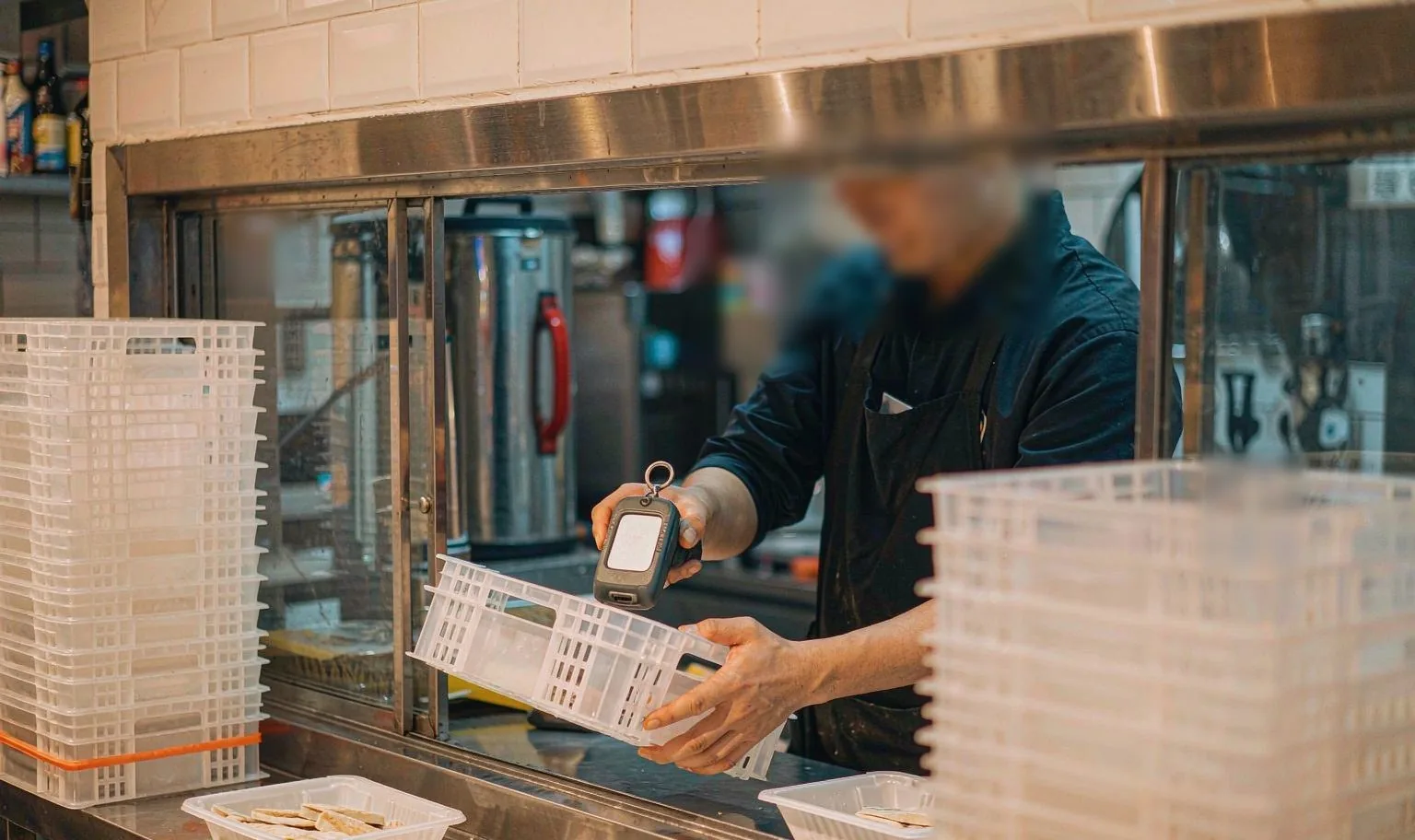
Counts must be fast and quiet, scanning crate labels and shelf tags in low light, then synced before the first order lands.

03

Kitchen display needs a fixed screen

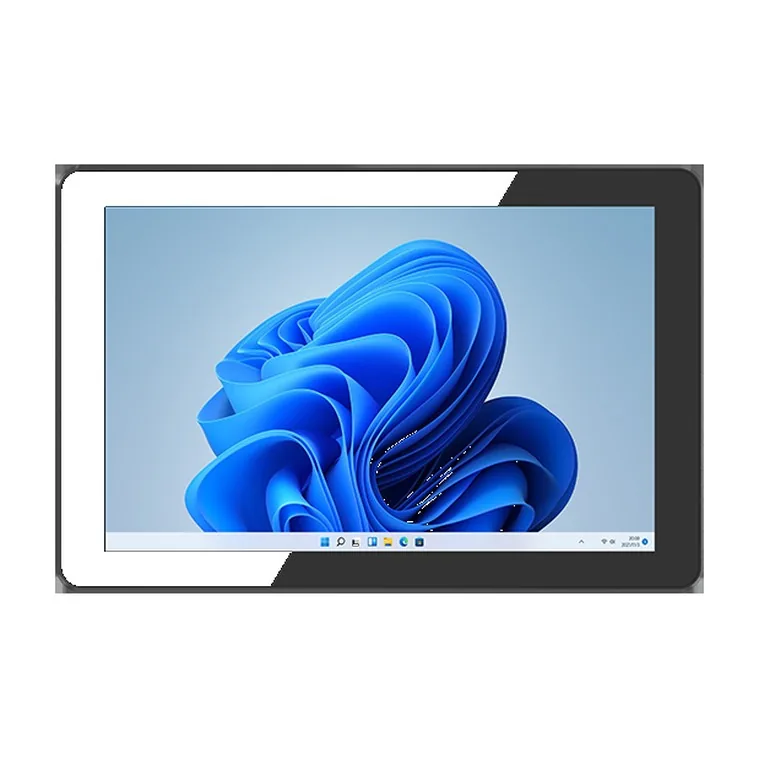
A panel PC at the pass survives steam and splashes where a wall-mounted consumer screen fogs and fails.

Usage scenario

How the work actually runs

In food service the device is wiped down twice a shift, dropped on tile, and used by whoever is on the till. It has to be cleanable, boring and always charged.

Restaurants & Food Service — on site
ON SITEStore back room: tablet on the shelf, handheld in hand

01Where devices sit in service

Workflow
  • Front of house — order taking, table status, queue busting.
  • Kitchen display — tickets, prep sequence, allergen flags.
  • Stock and waste — delivery check-in, temperature log, waste capture.
  • Loyalty and payment — scan a member code, confirm a collection.
  • Multi-site reporting — daily numbers rolled up per branch.
02Tablet, panel or handheld

Selection
  • Rugged tablet — table service, order taking, manager dashboards.
  • Panel PC — fixed kitchen display, wired power, wipe-clean front.
  • Rugged handheld — stock counts, delivery check-in, waste logs.
  • A housing that tolerates sanitiser, not just water.

03What a chain specifies

Spec
  • IP65 front, sealed against spray and cleaning chemical.
  • Battery that covers a double shift, or a dock at the pass.
  • Speakers loud enough for a kitchen, screen bright enough for a window.
  • MDM so a broken unit is swapped without a site visit.
  • One model across the estate, one spare per ten sites.

04What the pilot has to prove

Pilot
  • Survives a week of wipe-downs with no port corrosion.
  • Order-to-kitchen latency inside the service window.
  • Touch works with wet or floured fingers.
  • Battery covers the longest shift in the busiest site.
  • Staff pick it up without training.
Data flow

How the information actually moves

This is the part that decides the device. Each step below has a different requirement for screen size, scan engine and connectivity.

01Goods-in scanSupplier crates and cases scanned against the purchase order at the back door.
02Storage put-awayDry store, chiller and freezer locations confirmed by scan.
03Morning stock countHandheld count of high-value items before opening; variances flagged.
04Kitchen displayPanel PC at the pass shows orders; done-items tapped with wet hands.
05Waste & P&L syncWaste logged at source; head office sees food cost per outlet the same day.
Questions we get

Before you ask

The questions that come up on almost every project in this sector, answered before the first call.

All questions
01We have 8 outlets. Where do we start?
Standardise the stock count first — one handheld per outlet plus a spare. Kitchen display is a second phase because it touches the POS integration.
02Do the tablets handle a freezer room?
Cold-store rated models operate well below zero with glove-capable touch; batteries swap so the count is never cut short by the cold.
03Will it run our POS inventory app?
Android units ship with GMS; tell us the app and OS version and we confirm before you order.
04Can you supply five units for a pilot?
Yes. A pilot is the normal entry point. We quote single units at sample pricing and support the pilot with spare parts on the same order — a spare battery and a cradle, not a pallet.
05Do the Android units ship with GMS?
Most Android models ship with GMS. For builds where Google services must be absent, we supply a GMS-free firmware on the same hardware — say so at the quotation stage, because it is a firmware decision, not a setting.
06What warranty do you give?
One year as standard, covering the unit and the battery against manufacturing faults. Extended cover and advance-replacement terms are available for fleets — ask for them with the quotation, not after the first failure.

Running a restaurant chains project?

Send the workflow and the software stack. You will get two models and the caveats, not a catalogue.

Chat with Prince · WhatsApp