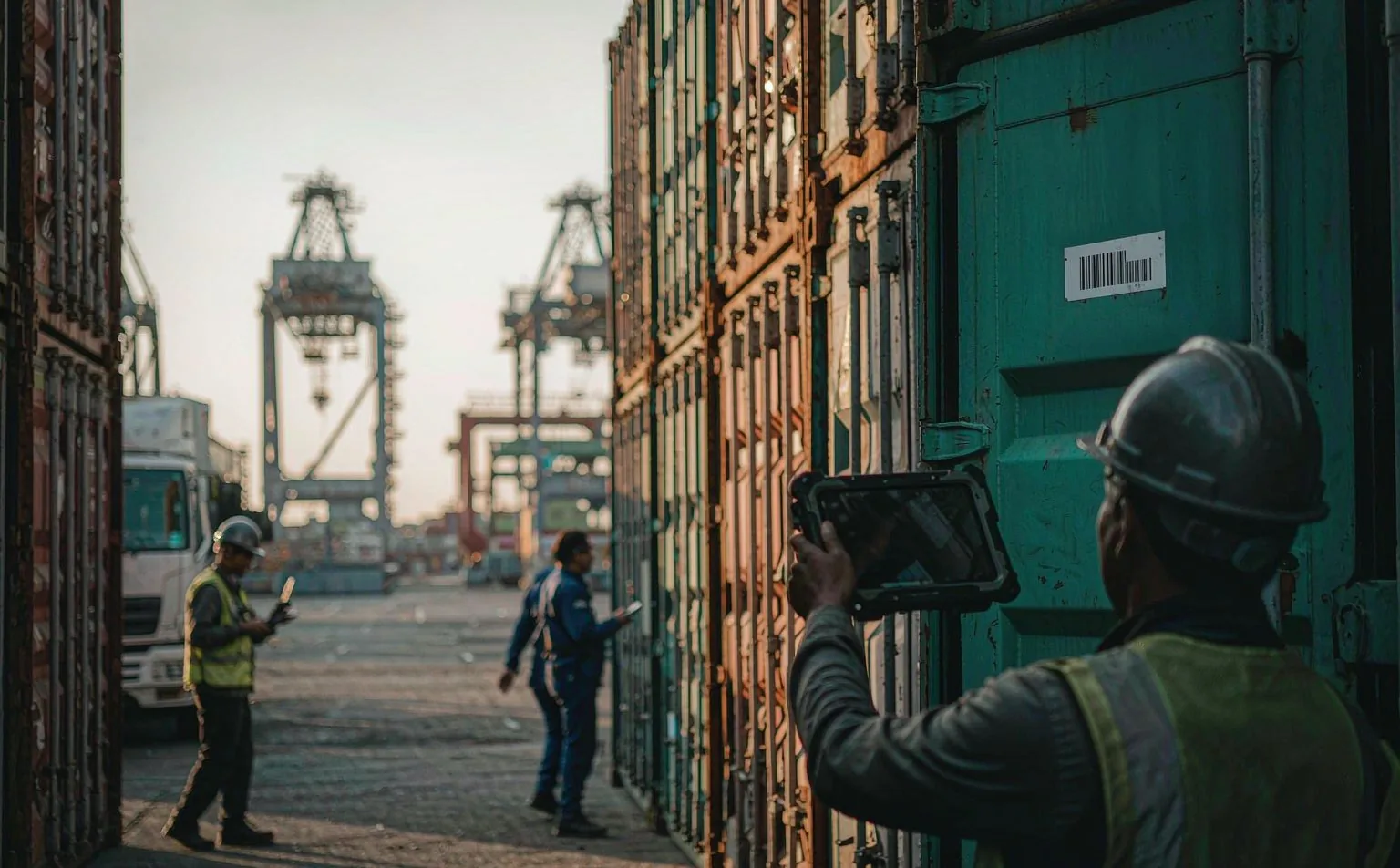
Ports & Container Terminals
Terminal operating systems are still Windows. The device has to meet the TOS where it is.
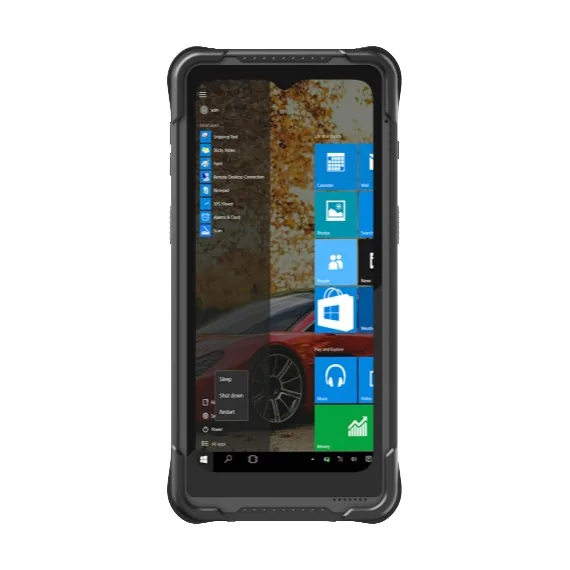
A container terminal does not buy hardware because of a datasheet. It buys because the gate, the yard and the vessel have to keep moving while the terminal operating system stays the system of record. In practice that means a Windows client far more often than an Android one: Navis N4, TOPS, CATOS and most in-house TOS front ends still ship as Win32 or .NET thick clients, and the yard and gate modules lean on ActiveX controls, serial COM ports and local printer drivers that no browser-based Android app can replace. We ship Windows handhelds and vehicle terminals for exactly that reason, and we say so before the first call rather than after the pilot.
Who actually makes the purchase
Terminal operators, stevedoring contractors, container depot and freight-station IT, and the integrators who wire the gate to the TOS.
Where these projects stall
- Typical software in this stack
The TOS front end is a Windows thick client
Gate and yard modules often depend on COM ports, ActiveX or a local print driver. An Android device cannot host them, and rewriting the client costs more than the entire hardware line. We quote Windows first here and only move to Android where the TOS already exposes a web or API path.
Salt, heat and vibration finish consumer kit in one season
A terminal is a corrosion chamber with a schedule. Airborne salt plus 40 C ambient plus continuous engine vibration at the yard takes out IP54 hardware in months. IP65/IP67 bodies, wide-temperature batteries and vibration-rated vehicle mounts are the entry ticket, not an upgrade.
The label is unreadable exactly when it matters
Container and pallet labels get wet, oiled and abraded. A 1D laser that read fine in the demo fails on a salt-stained barcode at the gate. 2D imagers with high-motion tolerance and a real aiming pattern keep the queue moving; RFID only helps where the tag survives the steel box.
How the information actually moves
This is the part that decides the device. Each step below has a different requirement for screen size, scan engine and connectivity.
Ports programmes we can talk about
Same workflow, same failure points, different scale. The kit column is what was actually deployed.
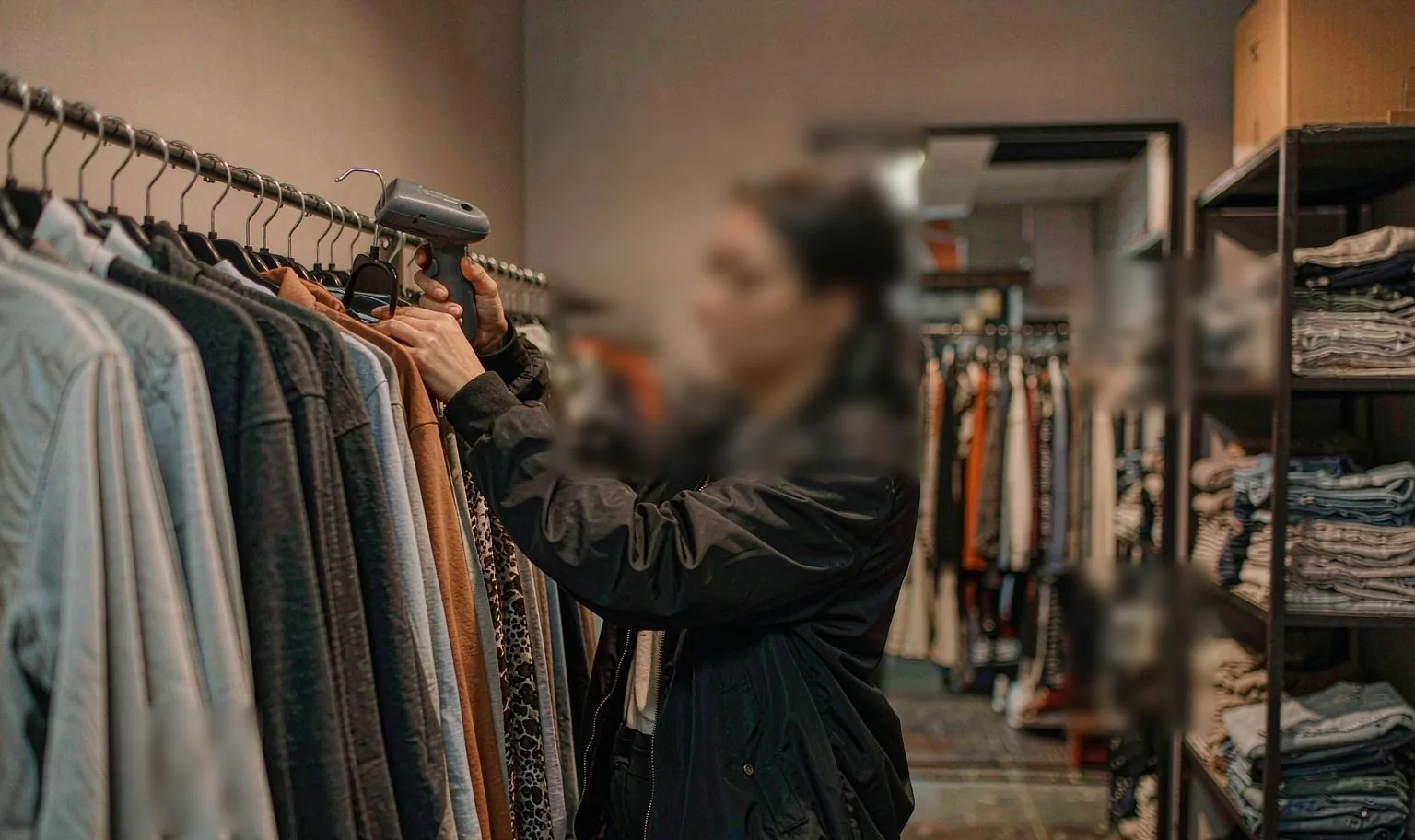 8 h → 30 min
Retail & apparel
Fashion chain, 200+ stores
Full stock-take of a two-floor store, done before opening instead of after closing.
UHF RFID handheld + fixed reader at the stockroom door 10 M parcels / day
Parcel & logistics
Global logistics hub
Sortation reads at belt speed; no manual re-scan when a label is creased.
Pistol-grip UHF reader + vehicle terminal on the tug 1,800 spindles
Production & MES
Smart textile mill
Spindle-level traceability replaces paper travellers on the spinning line.
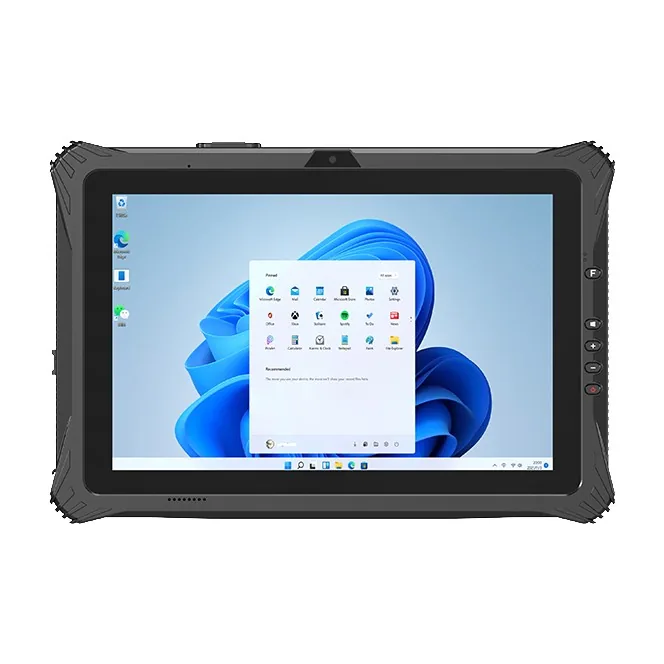
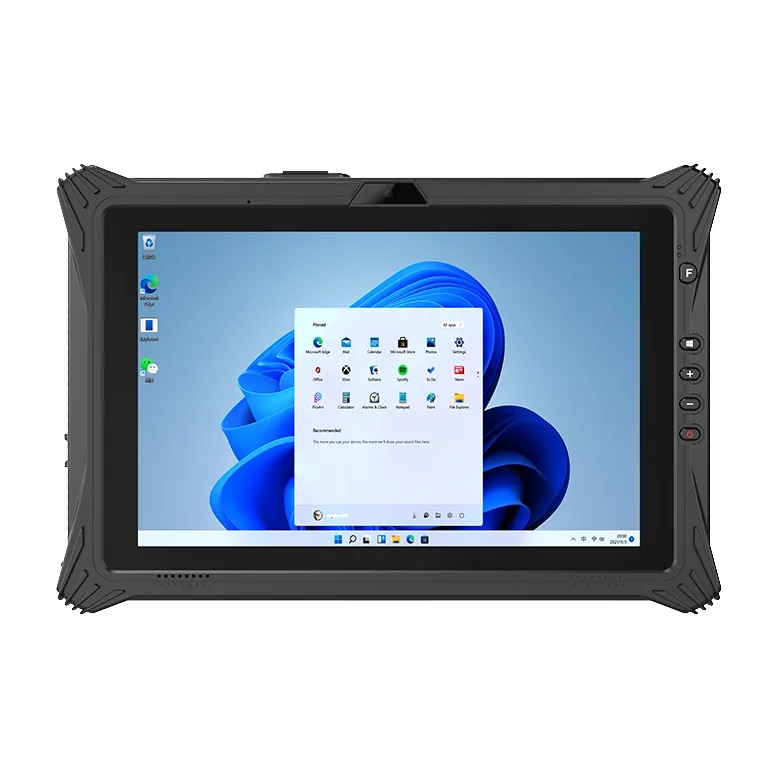
Rugged tablet at the line + UHF handheld for the doff roundDevices we quote for this deployment


Before you ask
The questions that come up on almost every project in this sector, answered before the first call.
All questions01Our TOS is Windows only. Can an Android device ever work?
02Handheld or vehicle terminal for the yard?
03Is UHF RFID worth it on containers?
04Can you supply five units for a pilot?
05Do the Android units ship with GMS?
06What warranty do you give?
Running a ports project?
Send the workflow and the software stack. You will get two models and the caveats, not a catalogue.